

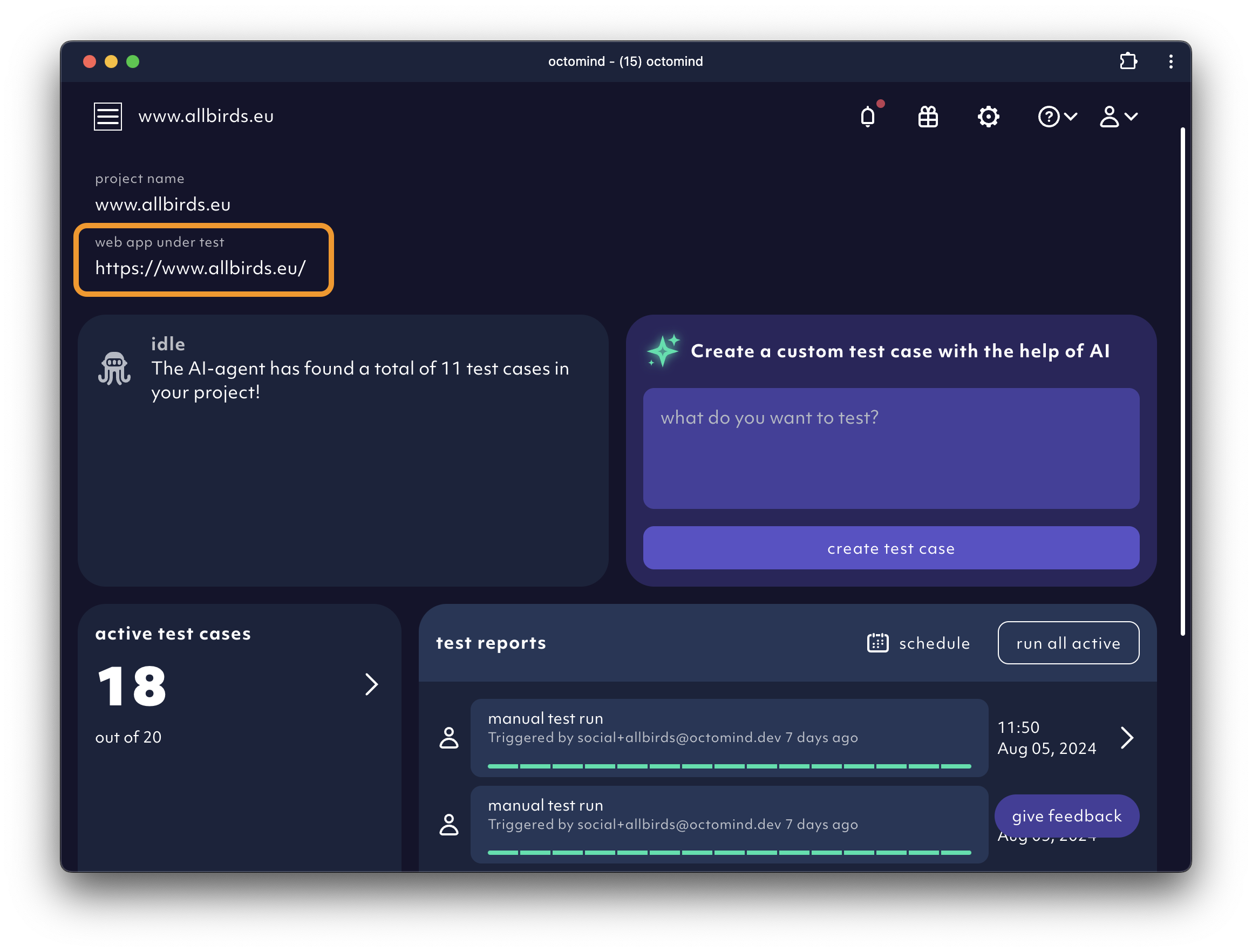
A project is a collection of test cases and test reports tied to a website or web app. The test target URL you define for it is used as a basis for generating test steps. You can extend it to sub paths of your website during test case creation. You can run your test against a different URL while keeping the sub paths - the URL is “templated”. This allows you to run your test cases against multiple deployments of the same application.Documentation Index
Fetch the complete documentation index at: https://octomind.dev/docs/llms.txt
Use this file to discover all available pages before exploring further.
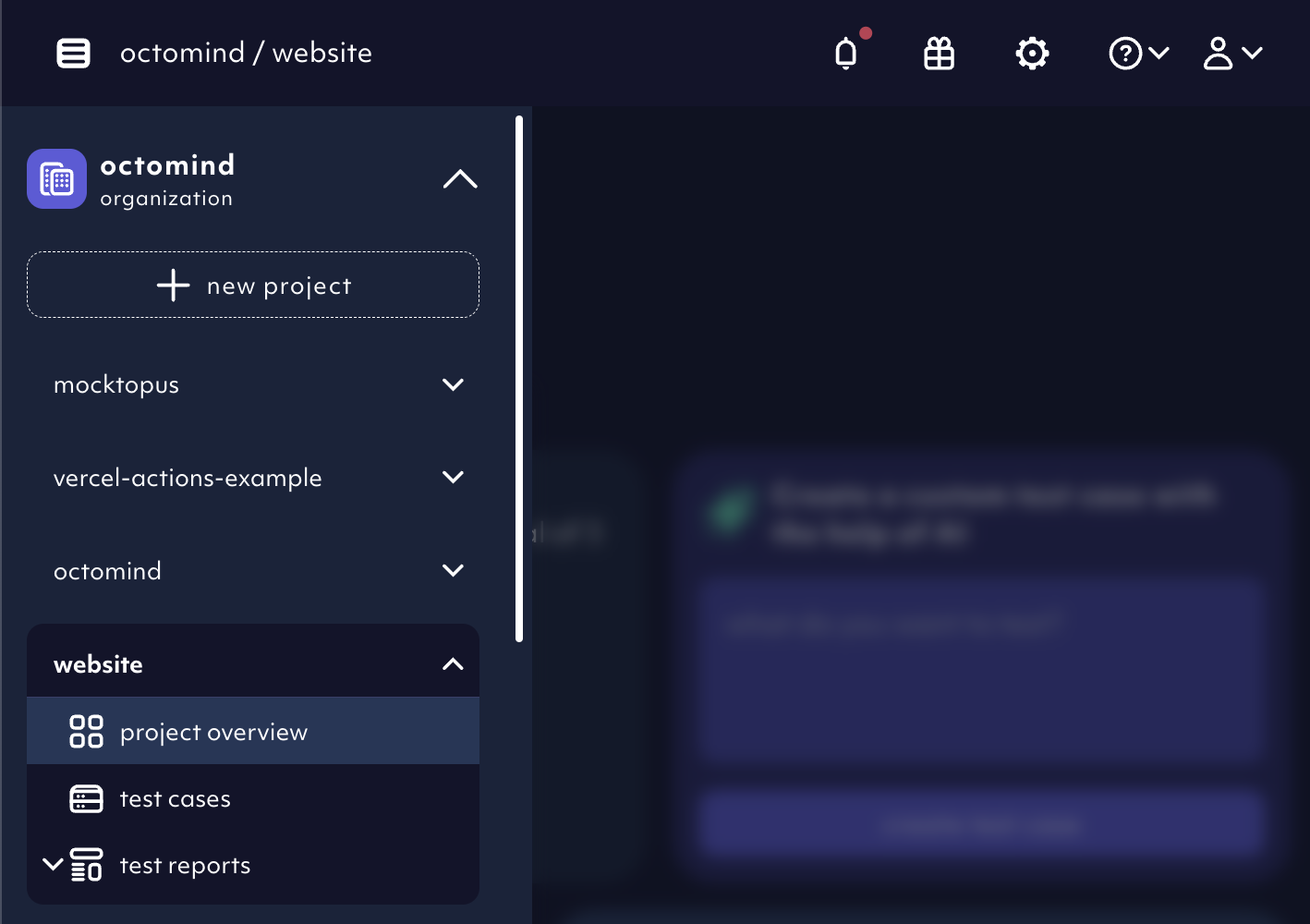
Create a new project
You can always create another project if you need to test multiple websites. The tests won’t be shared between them.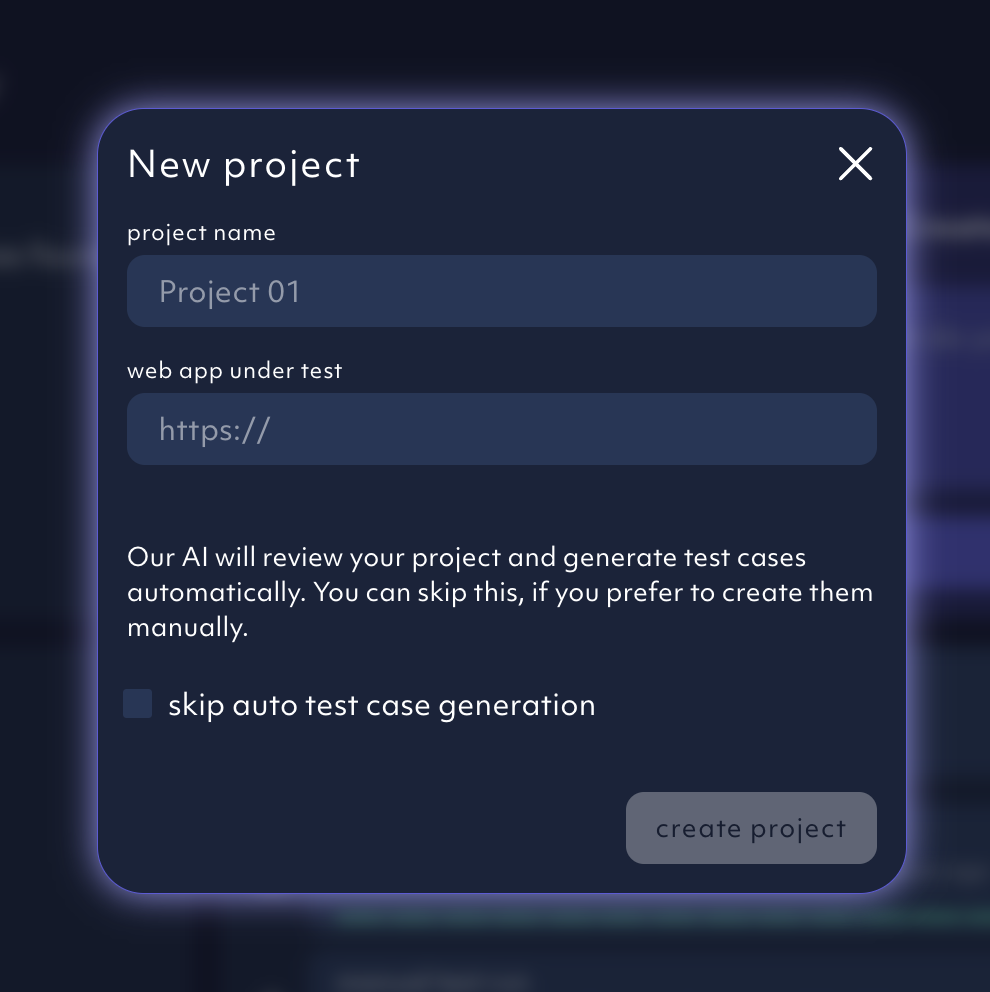
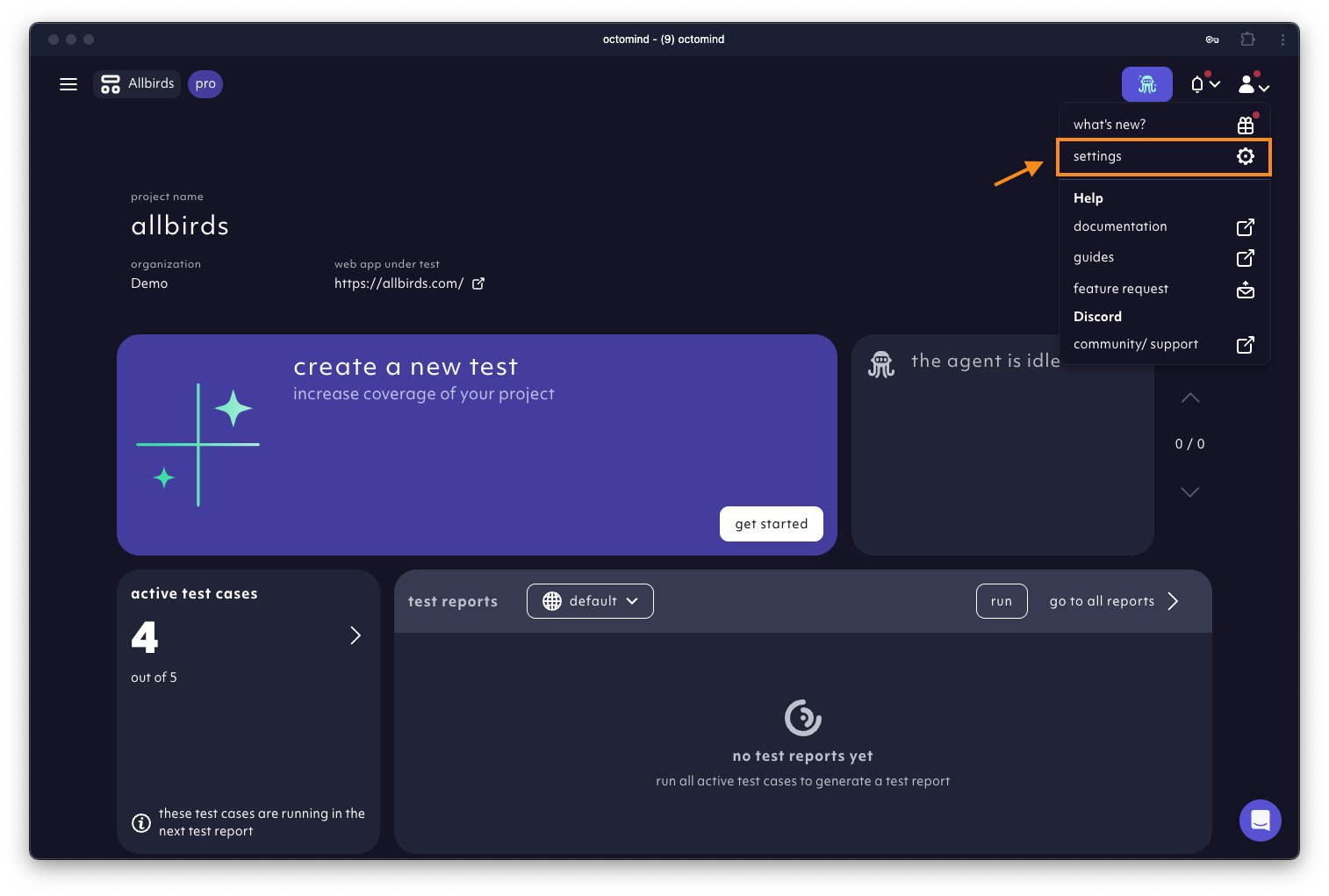
gear icon to access project settings to:
- set up test account variables
- adjust notifications
- set-up project api keys
Rename a project
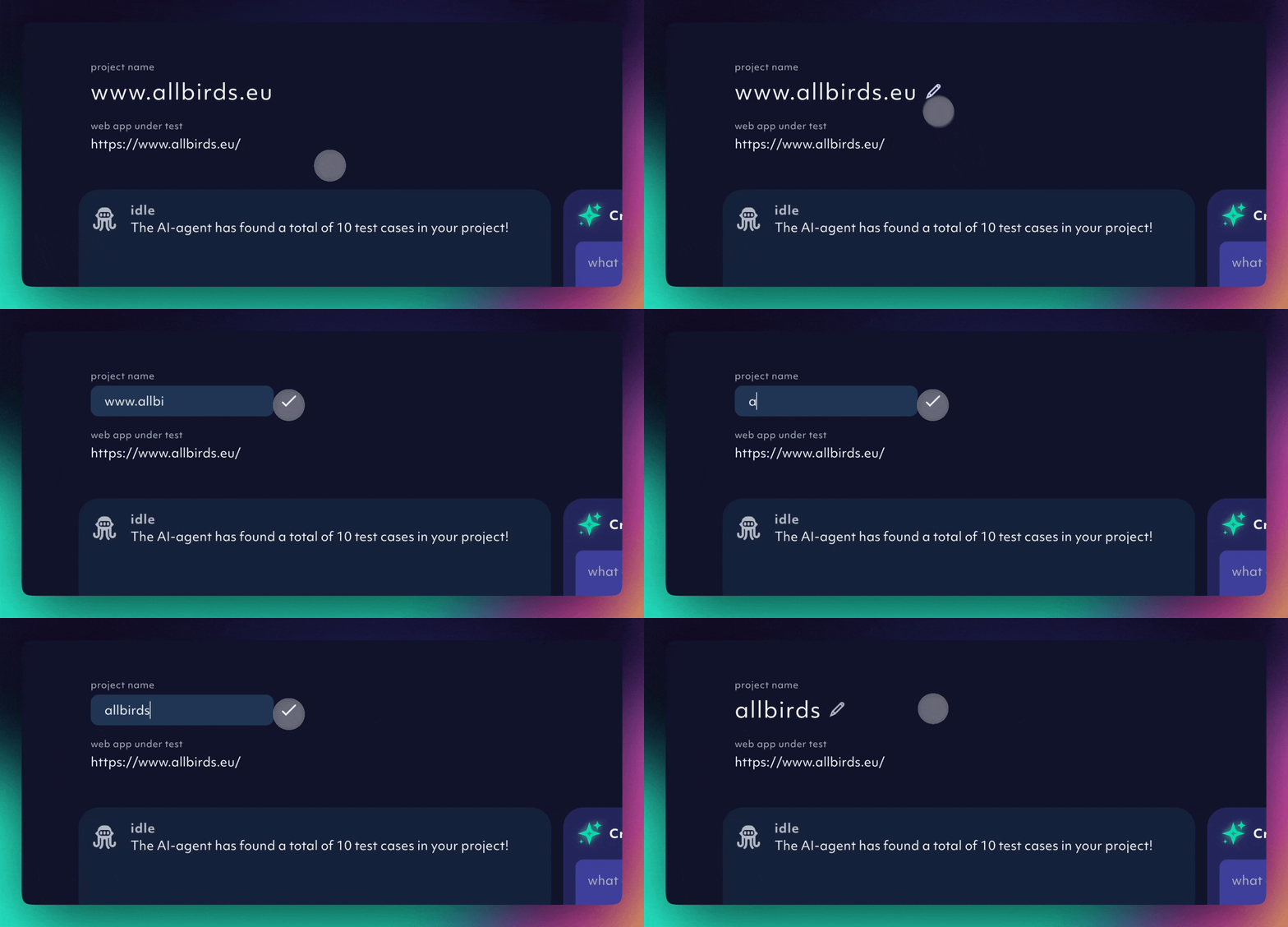
Hover over the project name and anedit pencil icon will appear. Change the project name and check in the edit.
Delete a project
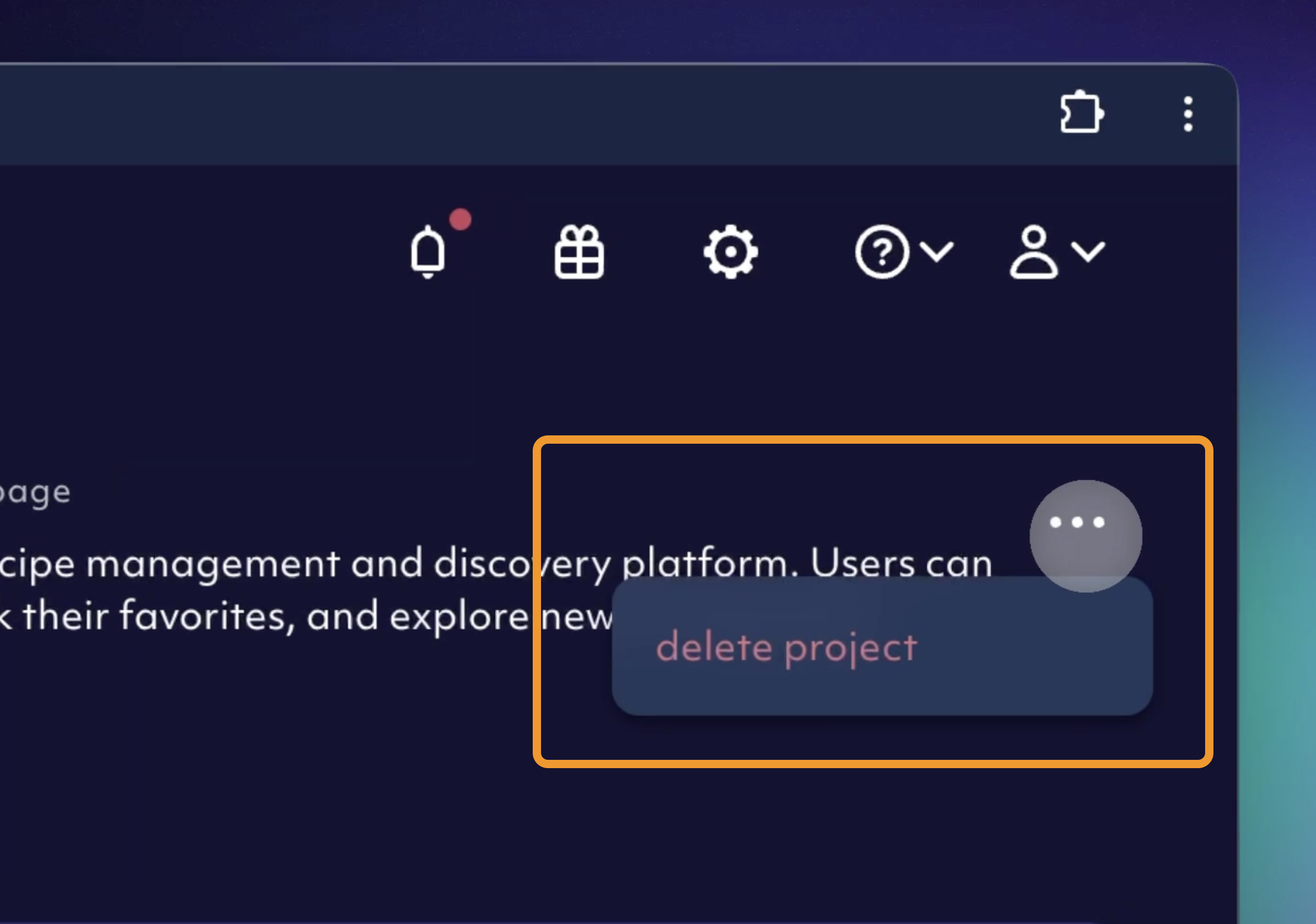
In the upper right corner of the project main view, click on themore three dot icon and confirm by clicking on delete project.
environment and a project we created this short guide.