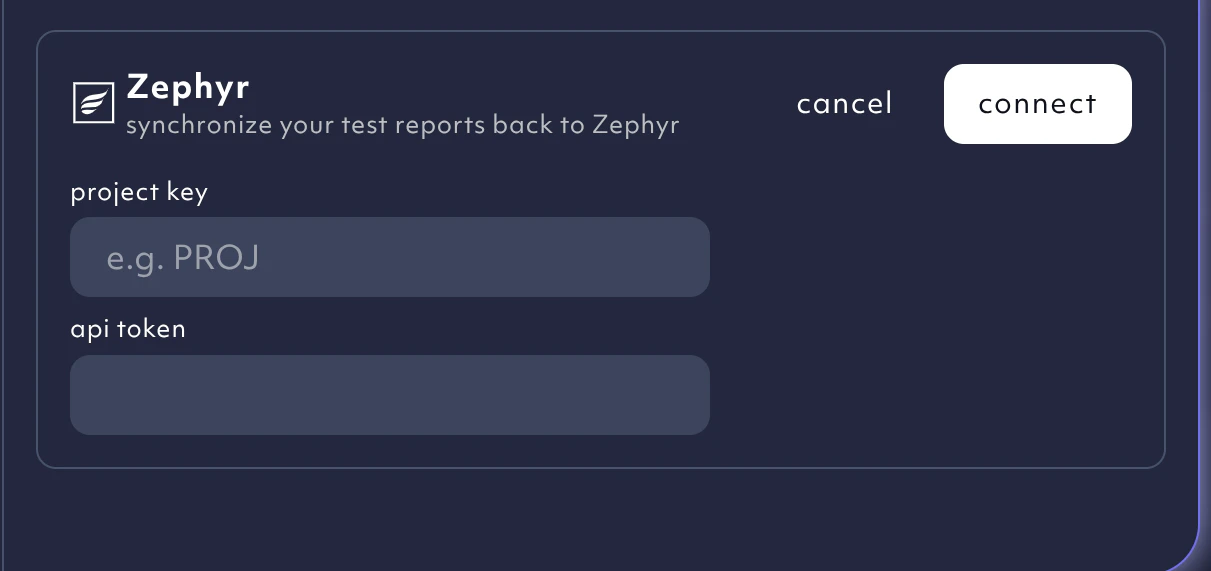
You can connect Octomind to your Zephyr test management system to keep all testing results in one place. You can also import test descriptions to seamlessly convert manual tests into automated ones.Documentation Index
Fetch the complete documentation index at: https://octomind.dev/docs/llms.txt
Use this file to discover all available pages before exploring further.
Enterprise tier feature
Connect to Zephyr
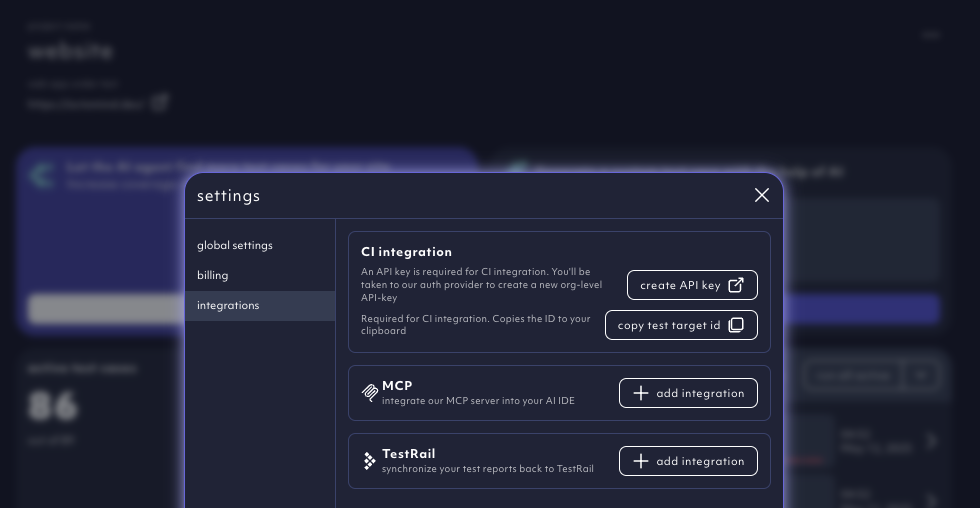
Go to your organizationsettings and choose the tab integrations.