Octomind Docs home page
Search...
⌘K
GitHub
Log in
Log in
Search...
Navigation
Other Integrations
XRay integration
Documentation
Guides
MCP
API Reference
Integrations
CLI
DEV mode
Changelog
Run Tests From CI
Run Tests in CI
Integrate with GitHub Actions
Integrate GitHub (New Flow)
Integrate with Azure DevOps
Integrate with Vercel CI
Integrate with Jenkins
Integrate with other CI pipelines
Other Integrations
Batch Generation GitHub Action
Testrail integration
XRay integration
Zephyr integration
Allure integration
On this page
Connect to Xray
Other Integrations
XRay integration
How to integrate with Xray
You can connect Octomind to your
xray test management system
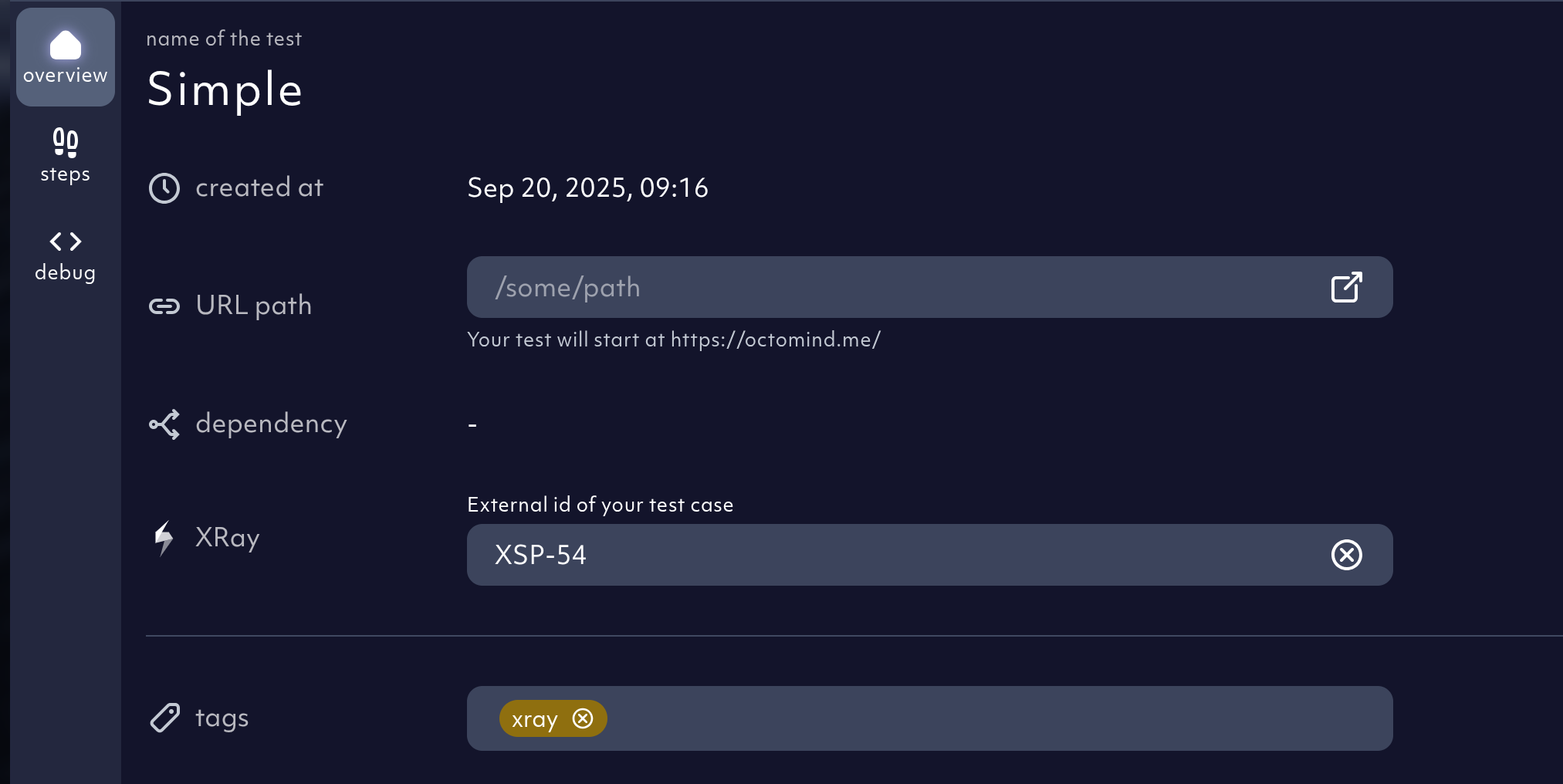
to keep all testing results in one place. You can also import test descriptions to seamlessly convert manual tests into automated ones.
Enterprise tier feature
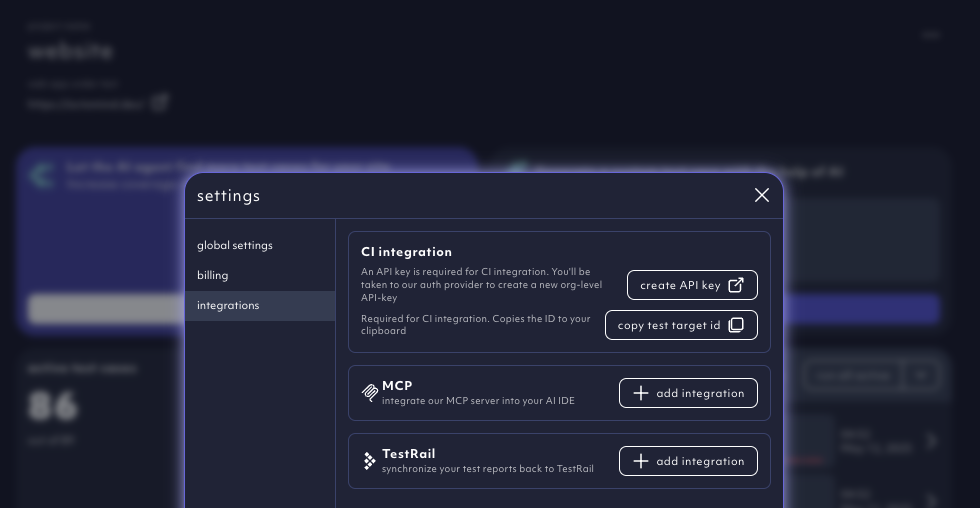
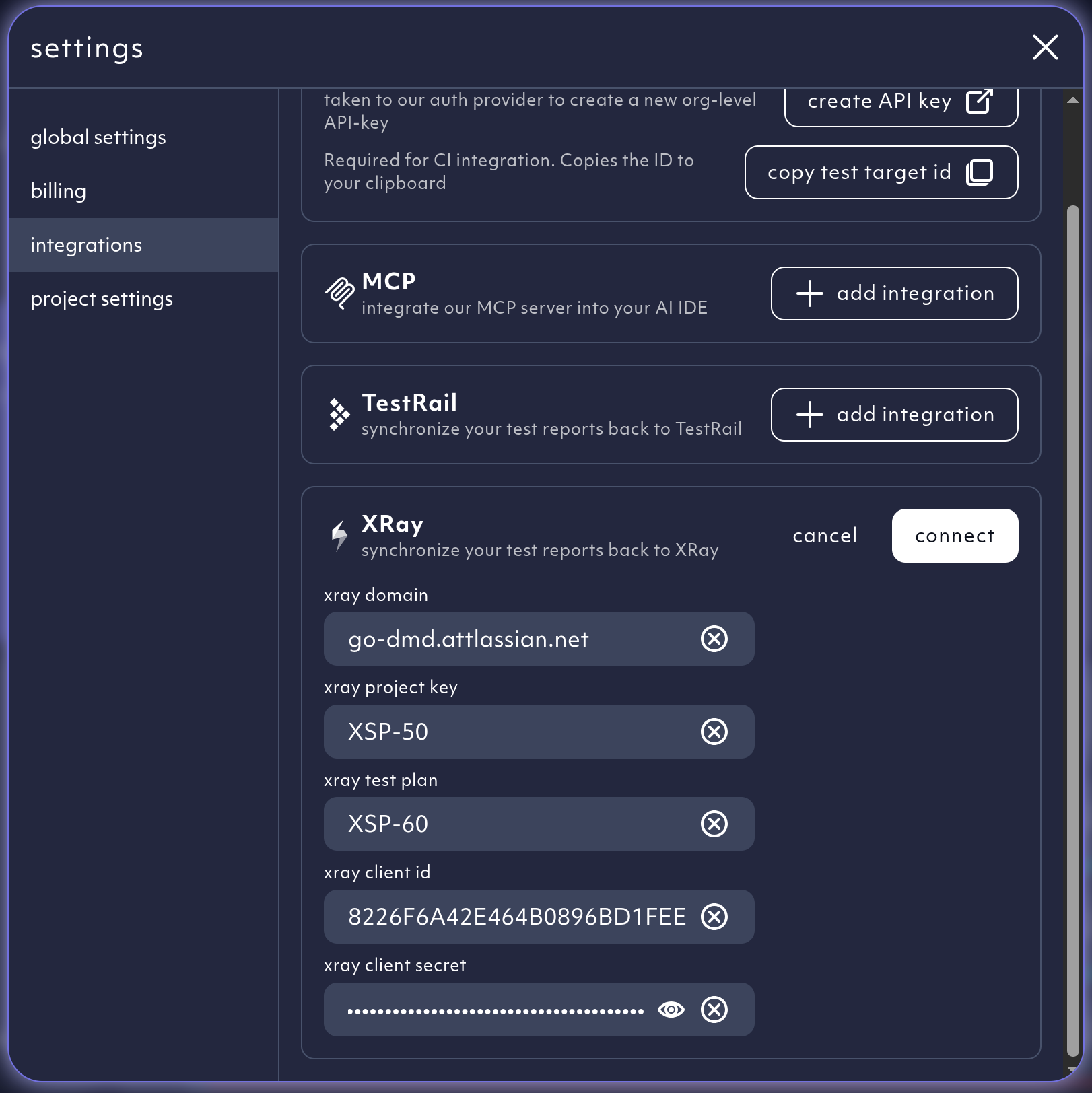
Connect to Xray
Go to your organization
settings
and choose the tab
integrations
.
And connect your xray account.
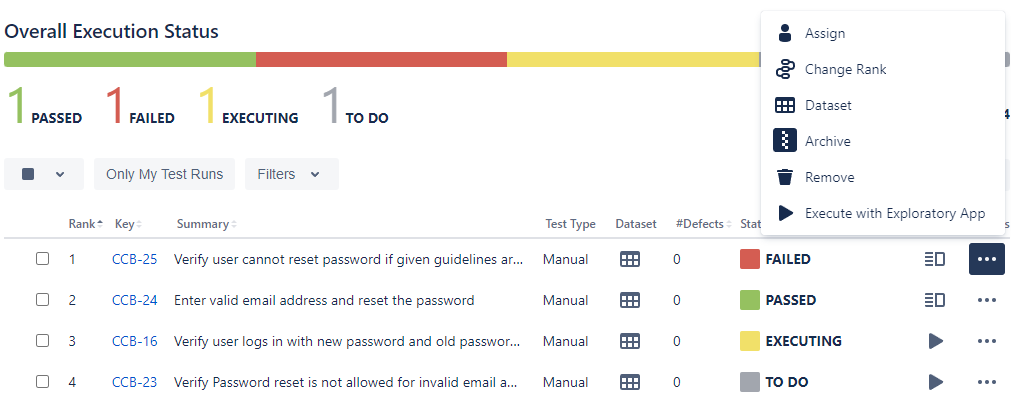
The results from your test runs will be visible in your test management suite.
Testrail integration
Zephyr integration
⌘I